 brainmute
Your most productive self starts here.
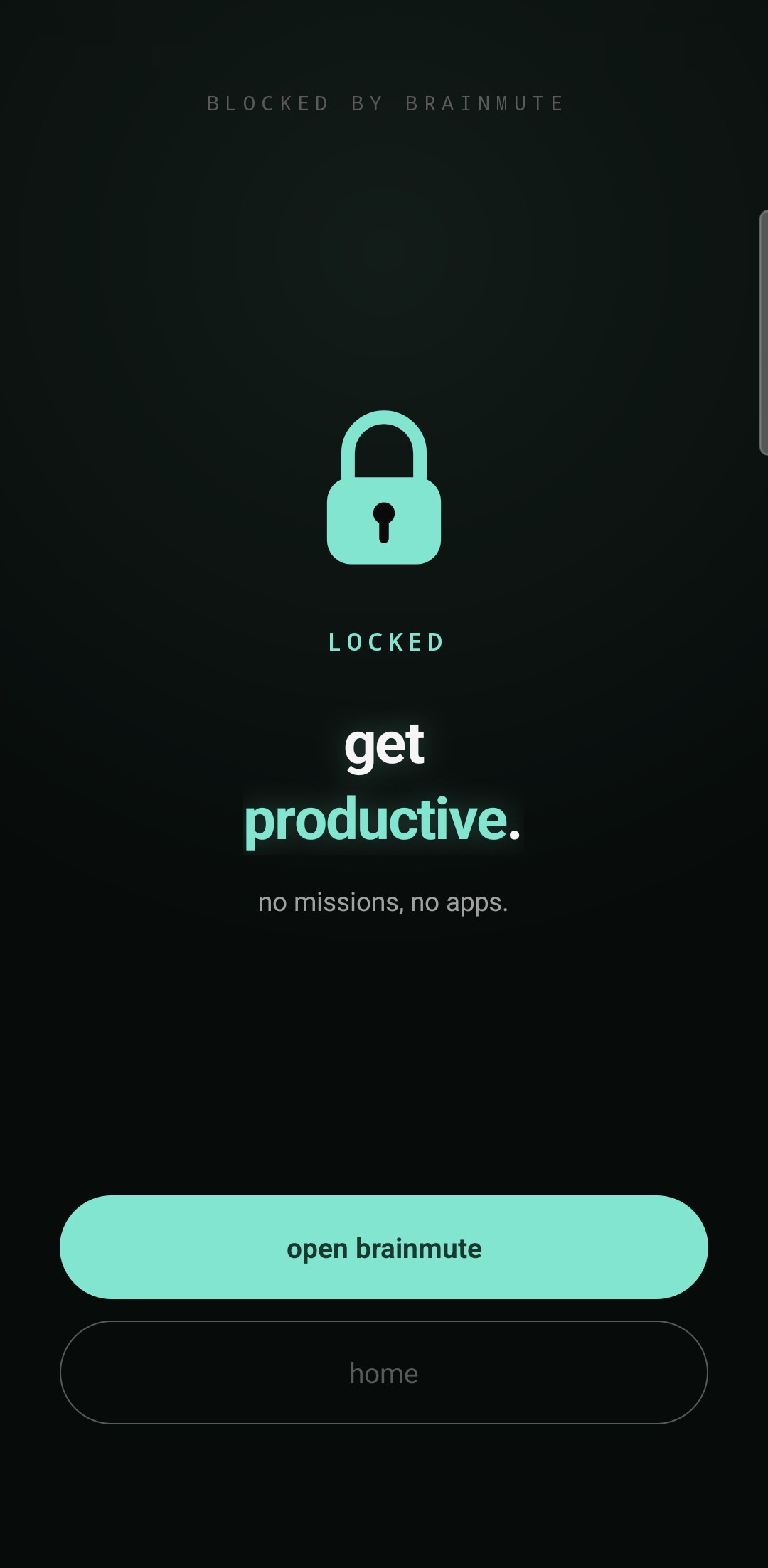
brainmute locks the apps that eat your day. Finish real missions, earn minutes, spend them on the apps you want.
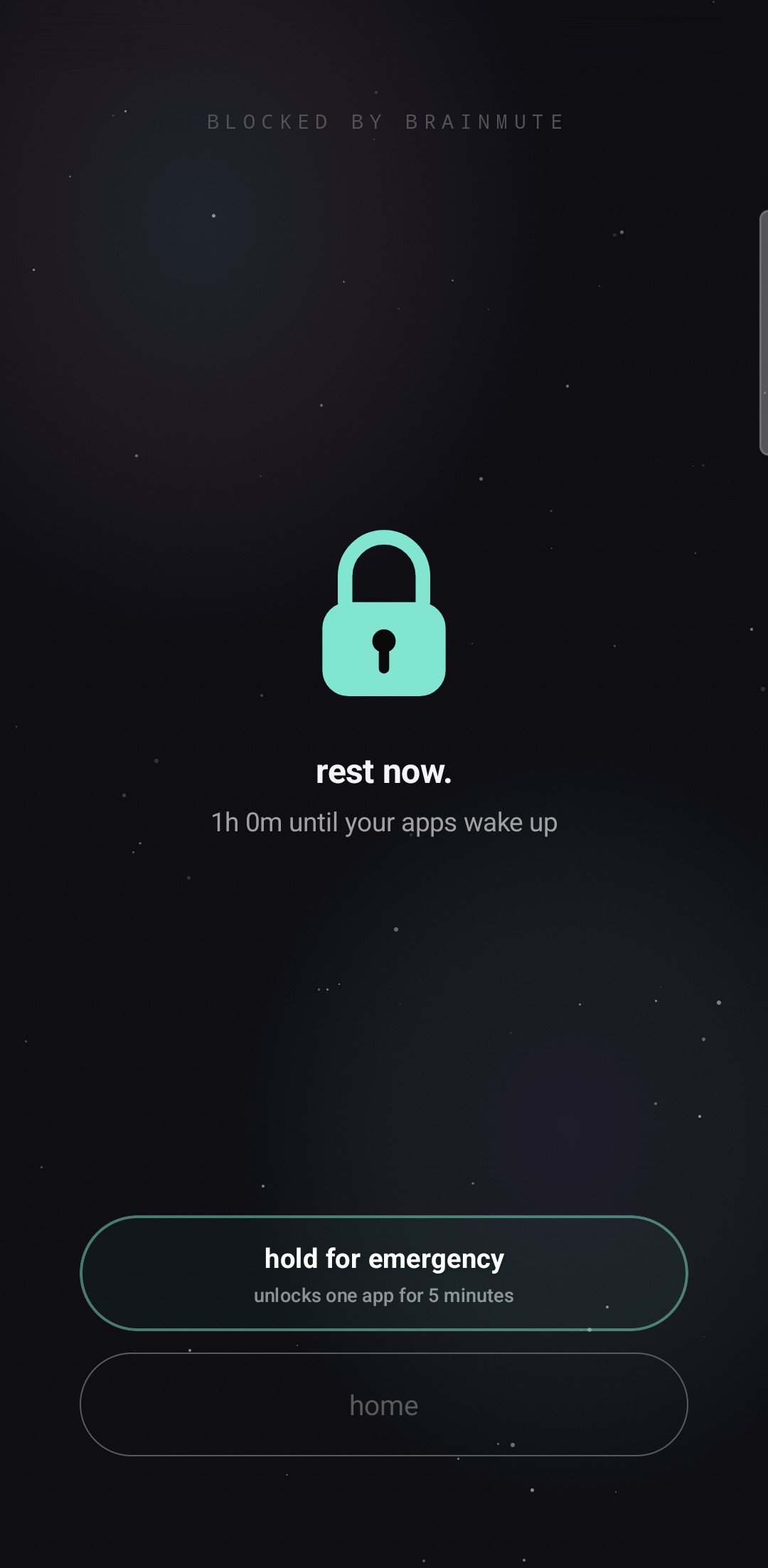
Your apps go to sleep. So do you.
Set a bedtime and brainmute switches your apps off for the night. Calls, your alarm, your camera and the apps you always allow stay open. Something urgent? Hold for emergency and one app opens for 5 minutes.
Good questions.
Android phones with Android 7.0 or later. Phone makers stop background apps in their own ways, so behaviour can differ between devices.
You choose which apps to lock. brainmute needs a few Android permissions for this and explains each one before you switch it on. Open a locked app and you see the lock screen instead.
Spend the minutes you earned. At night, hold for emergency and one app opens for 5 minutes.
A subscription with a weekly, monthly or yearly plan. New subscribers get a free trial: 3 days on the weekly plan, 7 days on the monthly and yearly plans. The price in your currency is shown in the app before you start.
Anytime in Google Play under Subscriptions. Cancel during the free trial and you pay nothing.
We are working on it. brainmute is planned for iPhone too.